
When I first started building my online business, I treated passwords like an afterthought. I used the same two passwords everywhere, and one of them was my birthday year with an exclamation mark. I know that sounds careless, but I honestly did not know any better. I was an immigrant working long hours, including as a truck driver, with zero tech background. Nobody had ever sat me down and explained this stuff to me. Once I finally understood how much of my life lived inside my accounts, my email, my shop, my bank, my course platform, I changed everything, one small step at a time.
1. I stopped using the same password everywhere
This was my first change, and it mattered the most. When one small website gets hacked, the thieves try that same password on every other site too. That scared me into action. So I made a rule: every account gets its own password. It sounds like a lot of work, but the next step on this list makes it easy.
2. I let a password manager remember everything for me
I do not try to memorize my passwords anymore. I use a free password manager, and it stores every password and fills it in when I log in. The only password I have to remember is the one master password for the manager itself. When I make a new account, I let the manager create a long random password I would never remember on my own. This took me about twenty minutes to set up, and now I never worry about forgetting a password again.
3. I turned on two-step verification for my most important accounts
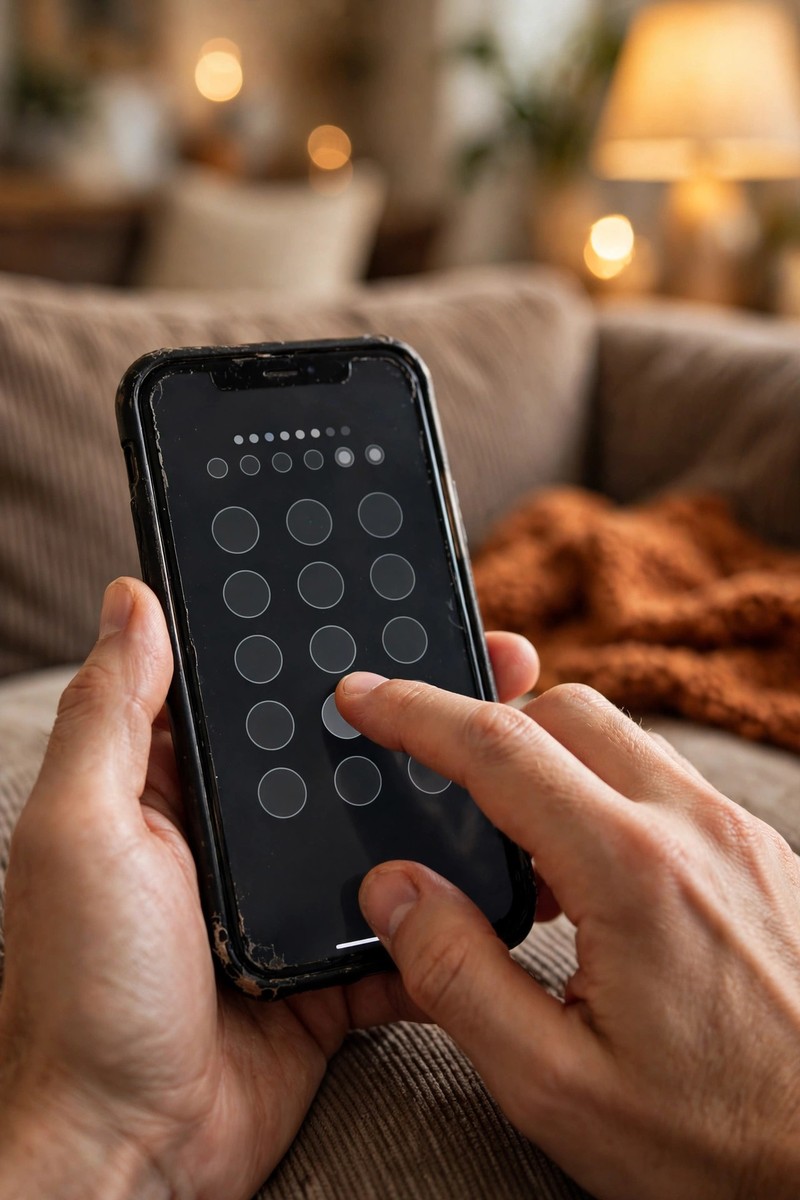
Two-step verification means that even if someone learns my password, they still cannot get in without a code that goes to my phone. I turned this on for my email first, because my email is the key to everything else: whoever gets into your email can reset almost every other password you have. Then I turned it on for my shop platform, my bank, and my social media. It takes a few extra seconds at login, and honestly I do not even notice it anymore. If any app offers it, I turn it on. It is one of the simplest protections there is.
4. I set up account recovery before I ever needed it
Here is something I wish someone had told me earlier: set up your recovery options while everything works, not after you get locked out. I added a recovery phone number and a recovery email to my main email account. I also saved the backup codes that some sites give you when you turn on two-step verification. I keep those codes written in a small notebook at home, not on my phone. This way, if I ever lose my phone or get locked out, I am not starting from zero. It is like keeping a spare key with someone you trust.
5. I learned to spot fake emails and messages
Scammers try to trick you into giving them your password by sending emails that look like they come from your bank, your shop platform, or a delivery company. The email usually says something urgent, like “your account will be closed,” and has a link. I made a habit: I never click the link in the email. If something looks important, I open my browser and type the website address myself, or I open the app directly. I also look at the sender’s email address. If the message claims to be from my bank but the address is a bunch of random letters, I delete it. Slowing down for ten seconds has saved me more than once.
6. I keep a small paper notebook for the important stuff
I know this sounds old-fashioned, but I keep a small notebook where I write down things a password manager cannot hold: backup codes, my Wi-Fi password, and which email I used for which account. I keep this notebook at home in a drawer, not in my bag. It is my backup for the day something digital fails. Learning this business has taught me that small steps count, and this notebook is one small step that keeps me calm instead of anxious.

7. I check which devices are signed in to my accounts
Once a month, I look at the security settings of my email and my shop platform and check the list of signed in devices: usually just my phone and laptop, which is what I expect. If I ever saw a device I did not recognize, I would remove it and change the password right away. This takes five minutes. It is a small monthly habit, like checking your oil on a truck, and it catches problems early.
8. I keep my phone and laptop updated
I used to ignore update notifications for weeks because they were annoying. Then I learned that many of those updates fix security holes that scammers know how to use. Now I install updates the same day I see them, or at least within the week. I also turned on automatic updates where the option exists. It costs me nothing and it keeps the doors locked on my devices. When you are running a business from your phone between shifts, your phone is your office, and you protect your office.
Conclusion
Keeping my accounts safe did not require me to become a tech expert. It just took a few honest decisions, done one at a time, like most things in my life. If you take only one thing from this post, make it this: give every account its own password and turn on two-step verification for your email today. Those two steps alone protect almost everything. You are building something real, and it deserves to be protected.