
When I started writing online, I was scared people would laugh at my English. I am an immigrant. I worked long hours, including as a truck driver, and nobody ever taught me how to write like a marketer. English is not my first language, and for a long time I thought that meant I could not be a writer.
Then I learned something that changed everything. Good writing is not about perfect grammar. It is about clear thinking, and then editing. I edit every single post I publish, and I do it with free tools. If I can do this, you can too.
1. Write Your First Draft Fast and Messy
Do not try to write perfectly on your first try. I write my first draft quickly, without stopping to fix anything. If I do not know a word, I write a simple one. If a sentence sounds bad, I keep going anyway.
This works because the first draft is only for me. Nobody will see it. When I drove trucks for long shifts, I did not expect the first turn of the wheel to get me to the destination. Writing is the same. Get the words down first.
2. Walk Away for a Few Hours (or Overnight)
This is the easiest editing step, and it is free. After I finish a draft, I close it. I go make food, do chores, or sleep on it. When I come back, I see mistakes I never noticed before.
Fresh eyes catch things tired eyes miss. This is especially true when English is your second language. Give your brain time to rest, and you will read your draft like a reader instead of the writer.
3. Read It Out Loud
I read every post out loud before I publish it. This sounds silly, but it works. When you read aloud, your ears catch problems your eyes skip. Long, confusing sentences sound wrong when you say them. Missing words become obvious.
If I stumble on a sentence, that sentence needs to be simpler. My rule is: if I cannot say it smoothly, I rewrite it until I can.
4. Use Grammarly’s Free Version
Grammarly has a free plan, and I use it on almost everything I write. You can use it in your browser, and it underlines spelling mistakes and grammar problems as you type. I copy my draft into a Google Doc with Grammarly turned on, and I fix the mistakes one by one.
Do not accept every suggestion without thinking. Grammarly sometimes wants to change a sentence that was fine. I accept the clear mistakes and keep the sentences that sound like me. It is a helper, not a boss.
5. Check Readability With a Free Score Tool
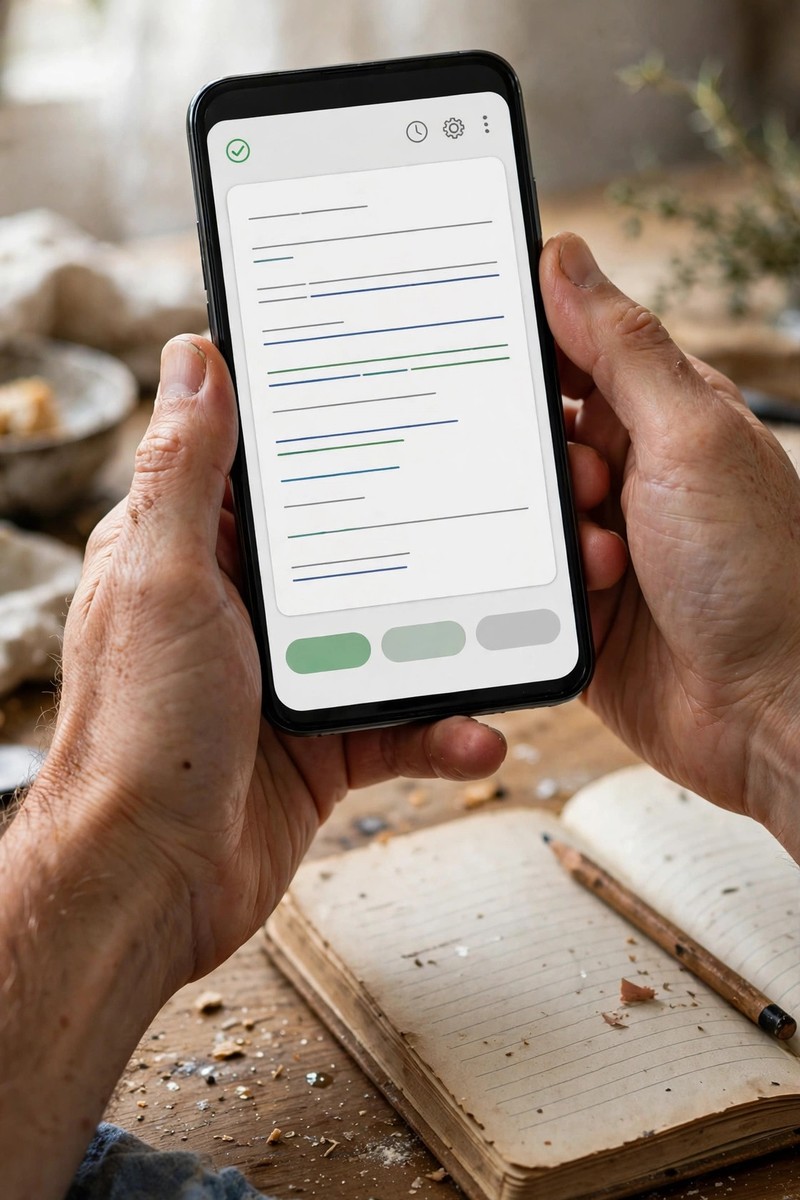
There is a free tool called the Hemingway App (hemingwayapp.com) that shows how hard your writing is to read. You paste your text in, and it highlights long sentences and complicated words. It gives your text a grade level.
I aim for a simple reading level, because I want beginners to understand me. Hemingway shows me where I accidentally made something too complex. It also catches passive voice, which makes sentences weaker. Short sentences are stronger sentences.
6. Cut Words, Do Not Add Words
When I edit, my main job is cutting. Beginners add words to sound smart. I did that too. Now I know: every word that does not help the reader should go.
Look for phrases like “in order to” (just say “to”) and “due to the fact that” (just say “because”). Look for the same idea said twice. I also remove words like “very” and “really” most of the time. The sentence stays strong without them.
7. Make Sure Every Paragraph Has One Clear Point
One mistake I see in my own early drafts: a paragraph that tries to say three things. The reader gets confused and stops reading. Now I check each paragraph and ask: what is this one about?
If the answer has more than one part, I split the paragraph. One idea, one paragraph. This makes my writing much easier to follow, especially for readers who are reading in their second language like me.
8. Check Your Headings and Subheadings
Most people do not read a whole blog post. They scan it first. So I read only my headings, in order, and ask: does this tell the story of the post? A reader should understand the main points just from the headings.
9. Fix the Beginning and the End Last
I always rewrite my introduction and conclusion after I finish editing the rest. Here is why: I usually understand my own post better at the end than I did at the start. The first draft’s intro often promises the wrong things.
My intro should tell the reader what they will learn and why I care about it. My conclusion should be short, just a reminder of the main point and maybe one next step. Simple and honest.

10. Do a Final Proofread on Your Phone
Before I publish, I open the draft on my phone and read it once more. I catch so many small mistakes this way: a missing letter, a doubled word, a sentence that looked fine on a big screen but looks cramped on mobile.
This takes five minutes, and it saves me from publishing something with an embarrassing typo. Most of my readers are on their phones anyway, so this also shows me what the post will look like to them.
Conclusion
You do not need perfect English to write online. You need clear ideas and the habit of editing. I use free tools, I read my work out loud, and I cut more than I add. That is the whole process. Start with your next post, and give it one careful edit before you hit publish.