
Most of my readers are on their phones. I am usually on my phone too. So before I publish anything, I check one thing first: can someone read this post on a phone without getting frustrated? Here is exactly what I do.
1. I read my own draft on my phone first
Before I post anything, I open the draft on my phone and read the whole thing. If I find myself zooming in, squinting, or scrolling back up because I lost my place, something is wrong. My phone test takes five minutes and saves me from publishing something nobody will finish reading. I do this every single time.
2. I keep my paragraphs very short
On a phone screen, a paragraph that looks fine on a laptop becomes a wall of text. I keep my paragraphs to two or three sentences at most. When I worked as a truck driver, I read everything on my phone during breaks. If a post had long paragraphs, I closed it. I write the way I wanted to read back then.
3. I use headings so people can scan
Nobody reads every word on a phone. People scan. I break my posts into sections with clear headings so a reader can see the whole map of the post in one scroll. Each heading tells them what that part is about. If they only read the headings, they still walk away with the main points.
4. I make my sentences shorter than I think I need to
Long sentences are harder to follow on a small screen. I read each sentence and ask myself if I can cut it in half. I learned this from writing in simple English as someone who did not grow up with it as a first language. Short sentences are easier for me to write and easier for everyone to read.
5. I add white space on purpose
Big empty spaces between sections might feel like wasting space, but on a phone they are a gift. White space gives the reader’s eyes a rest. I never stack three paragraphs back to back without a heading or a break between them. A post that breathes is a post people finish.
6. I use simple formatting instead of fancy styling
I use bold text for the key point in a paragraph. I use numbered lists when there are steps in order. I use bullet points when it is just a few related ideas. That is all. I have no tech or design background, so I stick to the basics. Simple formatting loads fast and looks the same on every phone.

7. I add images where the reader might need a break
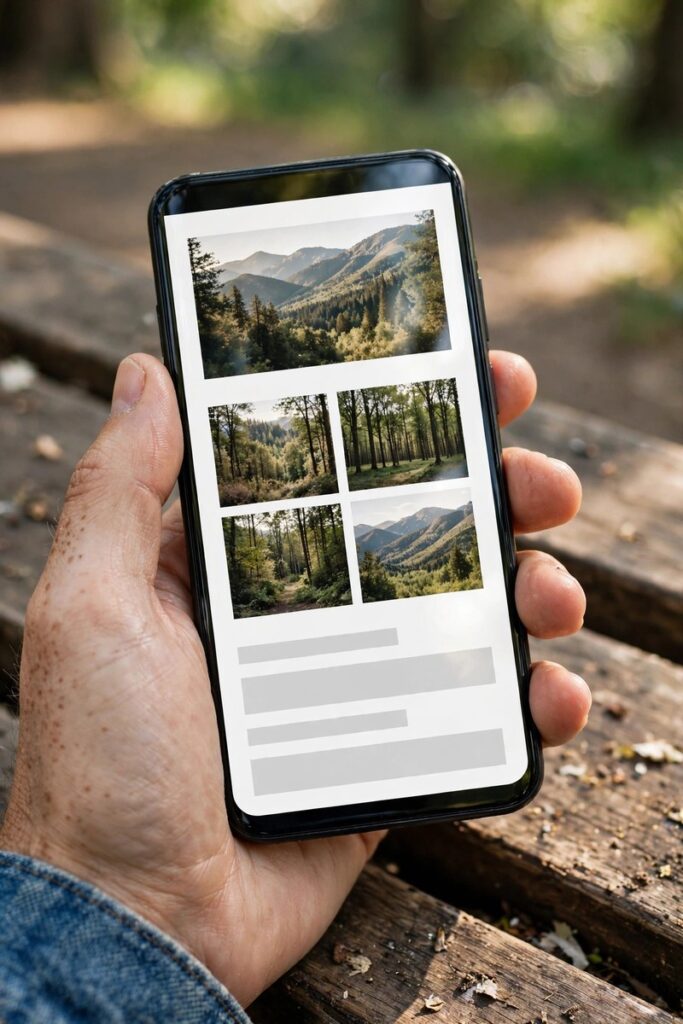
A photo in the middle of a long post gives the reader a pause. I place one image near the top and one or two more after longer sections. Every image gets alt text describing what it shows, because some readers use screen readers and that text is how they experience the picture. I keep my images simple and real looking.
8. I check my font size and line spacing
Most of my readers will never change their browser settings, so the text has to be comfortable at the default size. My rule is simple: body text should be big enough to read without pinching to zoom. Lines need enough space between them that they do not run together. I check this on my own phone because that is what most of my audience uses.
9. I make my links easy to tap
On a phone, a tiny link inside a sentence is hard to tap. I make sure links are on their own words that are long enough to tap easily, and I never put two links right next to each other. If a link is important, like a signup or a next step, I give it its own line so the thumb can find it without a fight.
Conclusion
Making a post easy to read on a phone is not a technical skill. It is just respect for the reader’s time and eyes. I learned this the hard way, reading on my phone in a truck cab. If you write for people like me, write for the phone first.